✨ Relics of the Starry Sea · Weapon Transmog System Preview✨
NoticesAug 26, 2026, 07:28 PM
Dear Adventurers,
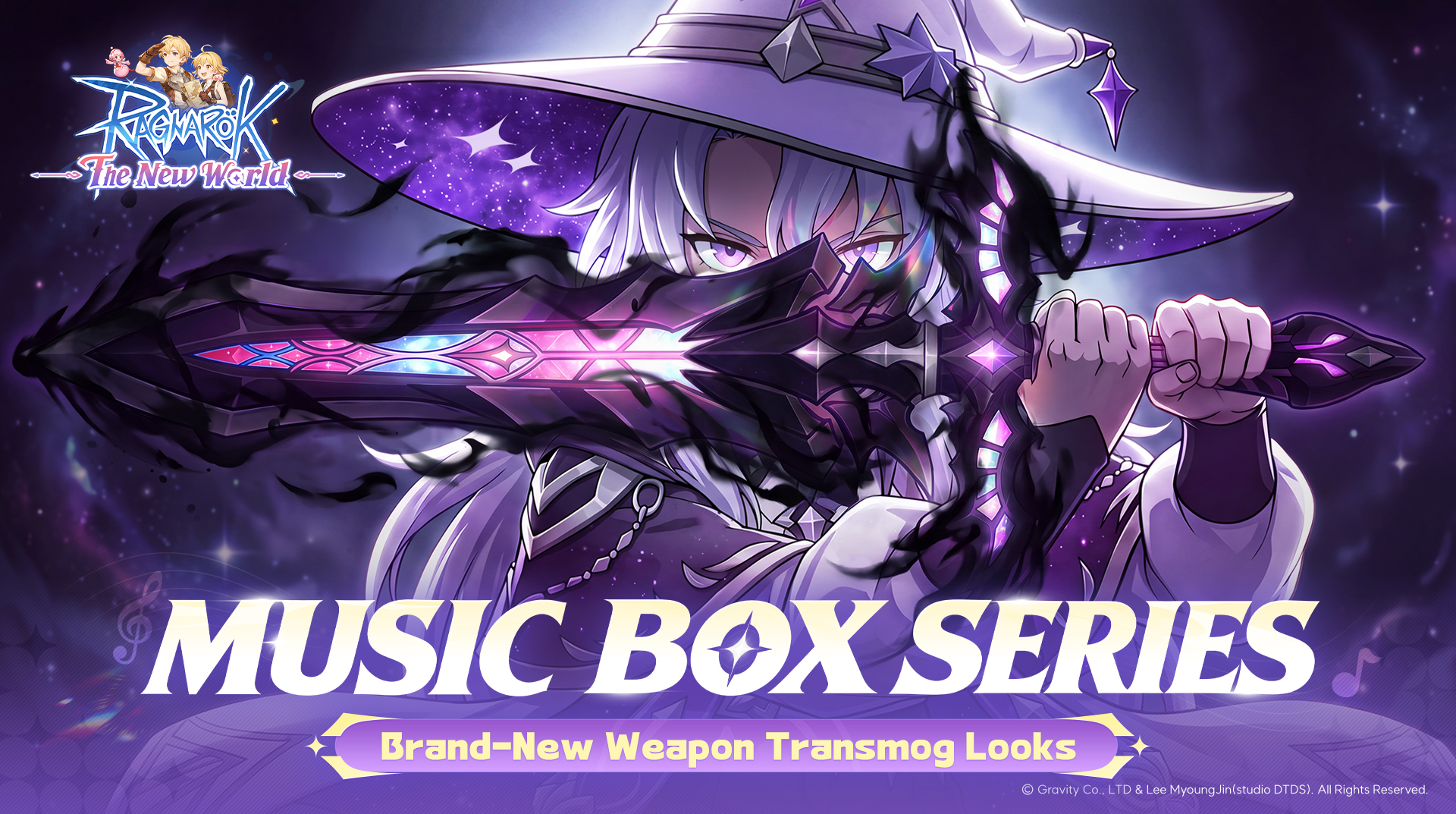
As the music begins, weapons long dormant will awaken in brand-new forms.
The new Relics of the Starry Sea-themed Weapon Transmog system will officially open after maintenance on August 28. Let's take a first look at this new feature centered on Notes and Transmog.
I. Starlit Ballad | Limited Prize Pool and Premium Rewards
Enter the Starlit Ballad-themed screen through the Relics of the Starry Sea event entrance on the main screen. Use Damaged Music Scores to draw for a chance to obtain the following premium rewards:
• Lost Music Box: Use it to unlock the initial Music Box Series weapon appearances for all classes. The initial appearances have no special effects or special textures; additional features must be unlocked through subsequent Tuning Craft. Adventurers can preview the Music Box Series weapon appearance for their current class in Wardrobe and apply the transmog appearance to an equipped weapon of the corresponding type.
※ Weapon Transmog only supports weapon types available to your current class. Weapons for other classes cannot be previewed or have the appearance applied.
• Celestial Sorceress Gift Box: A matching outfit for the Celestial Sorceress-themed Weapon Transmog. Deep purple and white tones intertwine, adorned with brilliant starlight and magical runes. Starlight flows across the galaxy-patterned robe, and the gentle touch of moonlight awakens a sleeping cosmic dream.
• Starlight Gift Box: Use it to obtain a large number of Star Fragments. Star Fragments can be exchanged in the Exchange Shop for rewards including the Lost Music Box, Celestial Sorceress Gift Box, themed note and footprint effects, Avatars, and Avatar Frames.
In addition, reaching certain draw milestones in the Starlit Ballad-themed prize pool unlocks Celestial Sorceress-themed Avatars, Avatar Frames, Chat Bubbles, Friend Themes, and Profile Backgrounds.
II. Tuning Craft | Customize Appearances with Nodes
After obtaining a Music Box Series weapon appearance, use Tuning to further customize your exclusive appearance.
Tuning Craft Entrance: After using the Lost Music Box to unlock the initial form, enter through either of the following methods:
1.Tap Wardrobe in the menu at the bottom right of the main screen to open the Weapon screen, then tap Go Crafting.
2.Enter the Starlit Ballad-themed screen through the Relics of the Starry Sea event entrance on the main screen, then tap Go Crafting.
Tuning consumes Lost Notes, which can be obtained from chance-based draws on the Starlit Ballad event screen, Special Offer Packs, the Starstone Shop, or by exchanging Star Fragments in the Starry Sea Shop.
Each Tuning attempt increases Tuning progress and rerolls the quality and color of all unlocked Nodes.
Node quality from lowest to highest: Blue → Purple → Orange → Red
Each Node affects a different part of the appearance:
• Nodes 1 and 2: Jointly affect weapon color
• Node 3: Affects weapon texture
• Nodes 4 and 5: Jointly affect weapon effects
Different Node combinations create different appearances. Keep tuning based on your preferences to create the Weapon Transmog effect you want.
For a more ideal appearance, first use Tuning to obtain a satisfactory Node, lock it, and then continue tuning the remaining Nodes. Adventurers can lock 1 to 4 Nodes at the same time. Once locked, a Node's quality and color will no longer change. Please note that the number of Notes consumed per Tuning attempt increases with the number of locked Nodes.
III. Node Resonance | Unlock Special Appearance Rewards
In addition to freely combining Nodes, meeting specific conditions across different Nodes can activate corresponding Resonance Rewards. When all 5 Nodes reach the required quality, the corresponding Quality Resonance is activated and its rewards can be claimed:
• Silver Movement: Have all 5 Nodes reach Purple quality or above to obtain purple-themed note effects and footprint Resonance Rewards
• Golden Movement: Have all 5 Nodes reach Orange quality or above to obtain gold-themed note effects and footprint Resonance Rewards
• Genesis Symphony: Have all 5 Nodes reach Red quality to obtain red-themed note effects and footprint Resonance Rewards
• Special Theme Resonance - Eternal Night: When Nodes 1, 2, 4, and 5 are all Eternal Night, activate the Eternal Night-themed set and obtain cool-themed note effects and footprint Resonance Rewards.
IV. Fashion Rating | Record Your Best Crafting Result
After each Tuning attempt, the system increases or decreases Fashion Rating based on changes to the current Nodes' quality and progress.
Fashion Rating is divided into:
• Current Fashion Rating: The Fashion Rating of the current preset
• Record Fashion Rating: The highest historical Fashion Rating recorded by the system
Even if switching to another preset lowers the current preset's Fashion Rating, Record Fashion Rating will not decrease. The system always retains your highest historical Fashion Rating. To keep breaking your crafting record, continue Tuning and aim for an even higher Fashion Rating!
V. Preset Saving | Freely Switch Between Combinations
For different Node combinations, Adventurers can save their favorite crafting presets:
• You can save up to 3 custom presets and freely switch between them. To retain more favorite combinations, delete an existing preset to free up space.
• The system automatically saves the 3 presets with the highest historical Fashion Rating. When a new preset with a higher Fashion Rating is created, an existing auto-saved preset may be replaced. If an auto-saved preset contains a combination you like, save it as a custom preset promptly.
※ Saving a preset also records its Node progress. After switching to another preset, you can continue crafting from that preset's recorded progress.
※ After changing classes, existing custom and auto-saved presets will remain and will not disappear.
Adventure Tips
• Want a high-quality appearance? Lock any high-quality Nodes you obtain before continuing to tune the remaining Nodes, steadily raising the overall quality.
• Want a special themed effect? Try meeting Node Resonance conditions and claim the Resonance Rewards.
• Want to try different styles? Don't rush to delete presets you've already crafted. Use Preset Saving to retain different Node combinations and switch to your preferred weapon appearance at any time.
The final in-game effects after launch shall prevail.
We look forward to seeing you compose your own weapon movement in the upcoming Relics of the Starry Sea.
Official announcement from the Ragnarok: The New World SEA website.
Open on the Official Site